TTD Online Booking and Login for Darshan, Rooms and Sevas
The way our family books every Tirumala trip on the official TTD website.
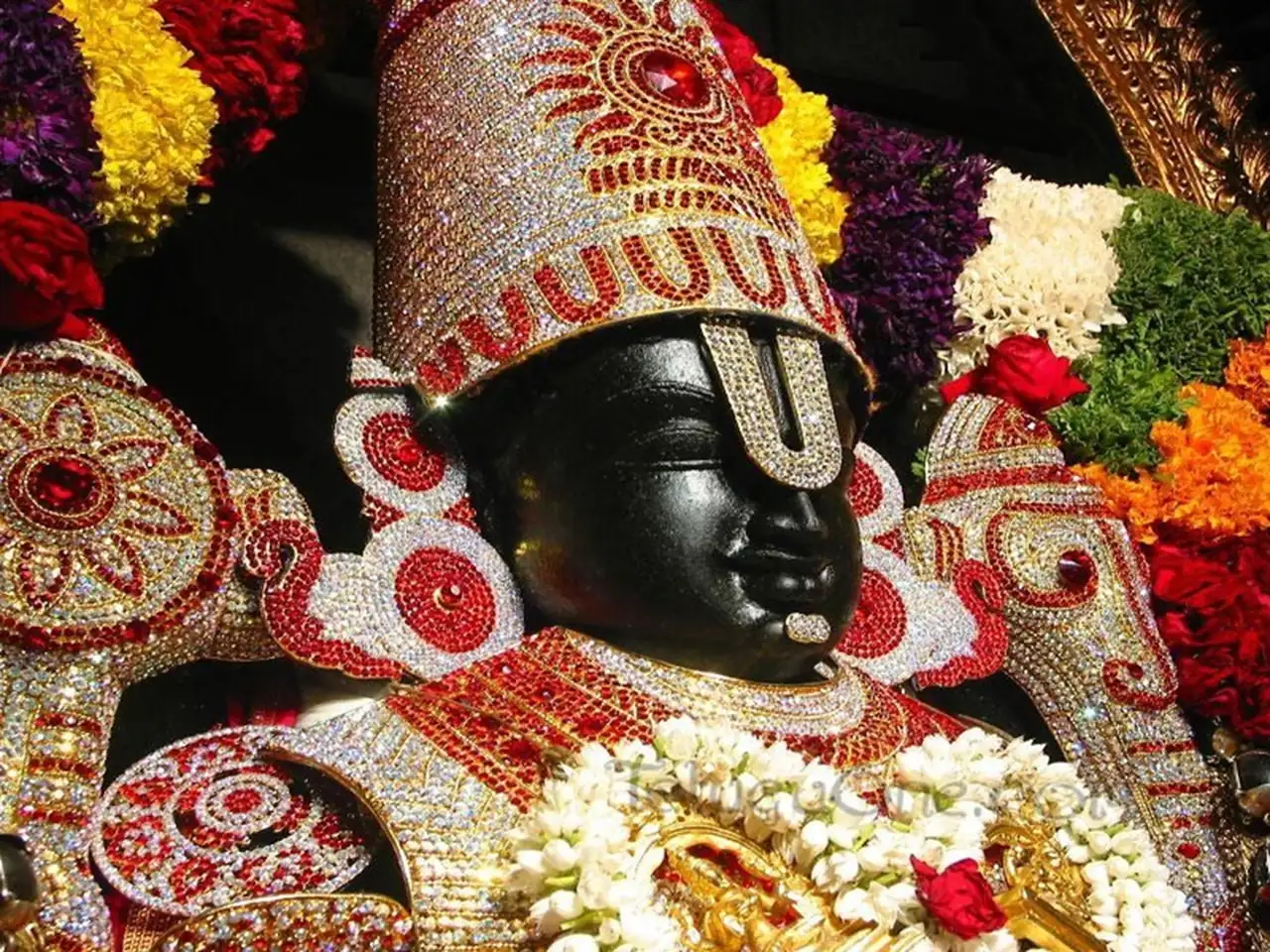
Everything for Tirumala starts on one site
The first time we tried to book we landed on a look alike site and almost paid. Since then we only open the official TTD website, ttdevasthanams.ap.gov.in, or the TTDevasthanams app. Darshan, rooms and sevas all sit in one login there.
Below is how we do it, the errors we have hit and what to keep ready. Quota dates are on our ticket release dates page.
Quick answer: TTD online booking for darshan, rooms and sevas is done only on the official TTD website ttdevasthanams.ap.gov.in or the TTDevasthanams app. For TTD login, enter your mobile number, type the OTP, add pilgrim details with photo ID and pay online.
What you can book online
| Service | When it opens | Need |
|---|---|---|
| ₹300 Special Entry darshan | About 3 months ahead | ID for each person |
| Rooms at Tirumala and Tirupati | About 3 months ahead | ID, same date as darshan |
| Arjitha sevas | Lucky dip or direct quota | ID, traditional dress |
| Srivani break darshan | Monthly quota | Donation plus ticket |
| Senior citizen darshan | Monthly quota | Age proof |
| Donations and e-hundi | Any time | Payment details |
Approximate, from our visits. TTD changes timings and rules, so check the official TTD website before you go.
Six steps we follow every time
Keep all IDs and phone numbers of the group in one note before you start.
Open the official site
Type ttdevasthanams.ap.gov.in yourself or use the TTDevasthanams app. Do not click ads.
Log in with mobile
Enter your mobile number and the OTP. Create a profile once with name and ID.
Pick the service
Choose darshan, accommodation or seva and select the date and slot.
Add pilgrim details
Enter name, age, gender and photo ID number for each person exactly as on the ID.
Pay online
Pay by card, UPI or net banking. Do not close the page until you see the confirmation.
Download the ticket
Save the PDF and keep a printout. Carry the same original ID shown on it.
Common booking errors
Wait a minute, check network, try again once
Do not refresh. Check booking history after some time
Look at other dates or SSD tokens
Each booking has a limit. Make a second booking
Log in again and download from booking history
What we book first for each kind of trip
Start with the hardest thing to get, then build the rest of the trip around it.
- 01
Family with elders
Elders find long queues hard.
Best choiceSenior citizen quota - 02
Short weekend trip
You need a fixed darshan time.
Best choice₹300 darshan first - 03
Staying a night on the hill
Rooms go as fast as tickets.
Best choiceRoom right after darshan - 04
Wish for a seva
Seva quotas are small.
Best choiceLucky dip registration - 05
Missed every quota
Online slots are all gone.
Best choiceFree SSD token
Before you click book
Keep ready
- Original ID numbers of every person
- A phone with the registered number
- A working UPI or card
- A fast internet connection
Avoid
- Booking through unknown links or ads
- Paying agents for confirmed tickets
- Wrong spelling in pilgrim names
- Refreshing during payment
Small things that save a booking
We learnt these after a few failed tries on busy release days.
Release morning
- 15 min beforeLog in and keep profile ready
- Release timePick date and slot quickly
- Next 5 minAdd pilgrims and pay
- AfterDownload and print the ticket
Money cut, no ticket
Wait a while and check booking history. Failed payments are usually refunded by the bank in some days.
Slow site
On release day the site is slow. Stay on the page, do not open many tabs.
Same ID at the gate
The ID you enter must be carried in original. A photocopy is not enough.
Book room after darshan
Once darshan is confirmed, book accommodation for the same date.
- Website
- ttdevasthanams.ap.gov.in
- App
- TTDevasthanams
- Login
- Mobile number, OTP
- Payment
- Card, UPI, net banking
- Ticket
- PDF download
- At gate
- Original photo ID
Fake sites. Many sites copy the TTD look and take money. The real one ends in ap.gov.in. TTD never asks you to pay an agent. Book only on the official TTD website or app.
Related pages: Tirumala Room Booking · Sevas & Prices · Ticket Release Dates
Official sources: Official TTD website · TTD news (tirumala.org)
Short answers devotees search for
ttdevasthanams.ap.gov.in and the TTDevasthanams app only.
Check the mobile number, wait for the OTP and try again after a few minutes on release day.
Questions about TTD online booking
Answers to what our relatives ask us before booking.
How do I do TTD login on the official website?
Open the official TTD website, click Login, enter your mobile number and type the OTP sent to it. First time users fill in name, email and ID details once. The same TTD login works on the TTDevasthanams app.
What can I book with TTD online booking?
You can book the ₹300 Special Entry Darshan, Tirumala and Tirupati rooms, arjitha sevas (lucky dip and online quota), Srivani darshan, senior citizen quota and donations. Everything is paid online and the ticket comes as a PDF.
Is TTD online ticket booking open today?
Bookings open only when TTD releases the monthly quota. Once released, tickets stay open until they sell out, which for ₹300 darshan and rooms is often within minutes or hours. See our TTD ticket release dates page for the usual schedule.
What is the official TTD booking website?
The official site is ttdevasthanams.ap.gov.in and the official app is TTDevasthanams. Bookings for darshan, rooms, sevas and donations are made there. We type the address ourselves instead of clicking links.
Can I book for my whole family in one login?
Yes, you can add several pilgrims in one booking, each with their own name, age and ID number. There is a limit on how many people fit in one booking, which TTD shows on the page.
Money was cut but ticket did not come. What now?
Check booking history after some time. If no ticket appears, the bank usually reverses the amount in a few working days. TTD also has a help desk listed on the official site.
Which ID is accepted for TTD booking?
Common photo IDs like Aadhaar, passport, voter ID or driving licence are used. Carry the same original ID at Tirumala that you entered while booking.
Can I cancel or change a TTD booking?
Rules depend on the service and change from time to time. Many darshan tickets cannot be changed. Read the terms on the booking page before you pay.